A warm Welcome from your host:

Thank you for choosing Tudors eSuites!

We’d like to welcome you to your accommodation.
We’ve created this guide for you which contains essential information that you will be using during your stay.
Kindly note that our apartments are not suitable for parties, but we’ve gathered the best places in town for you to go out and have fun with your friends!
Check-in Guide

Protected: 112115H

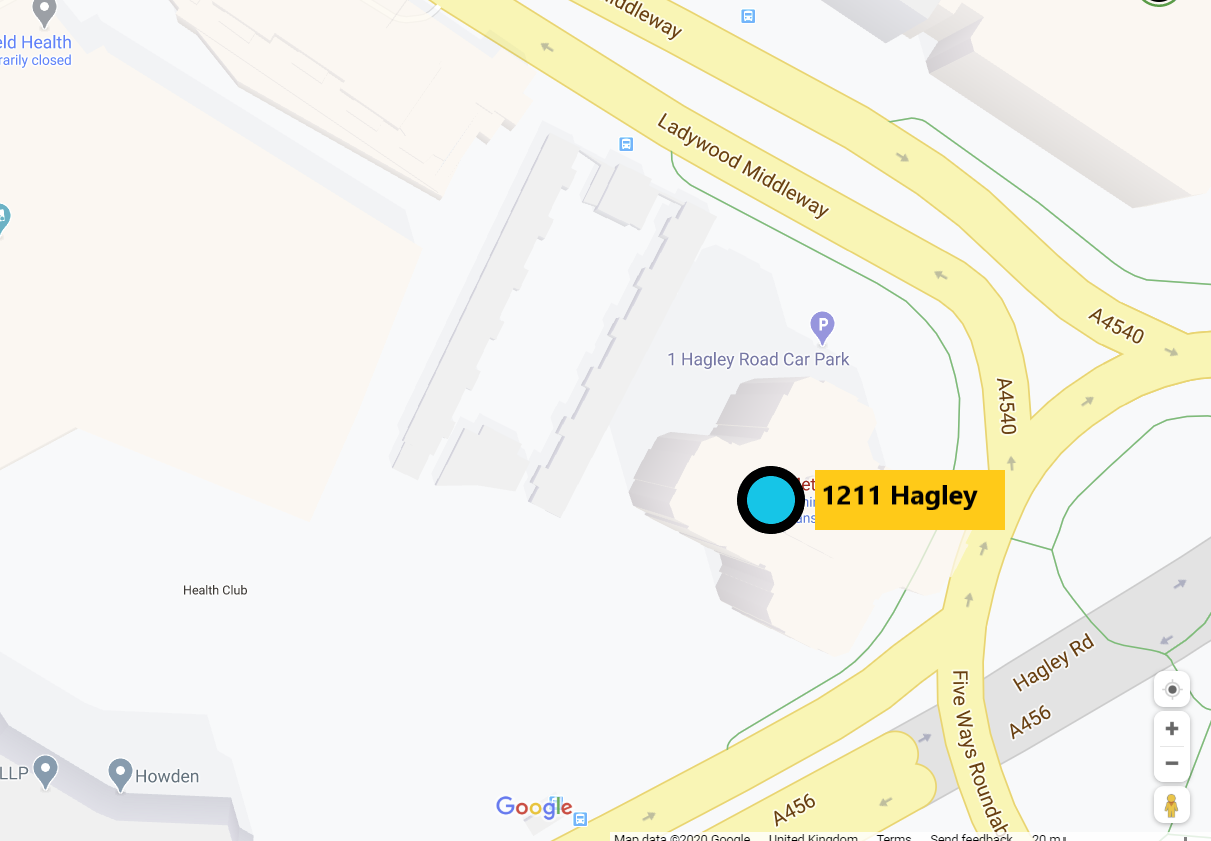
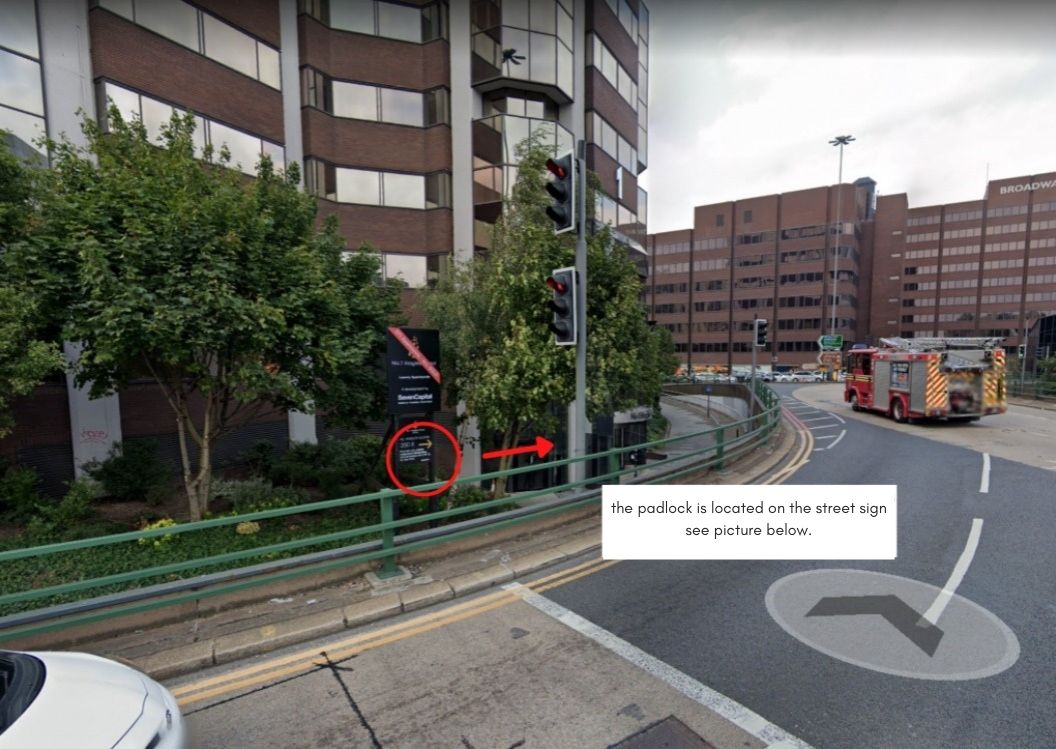
1. Please go to One Hagley Rd, Birmingham B16 8TG.

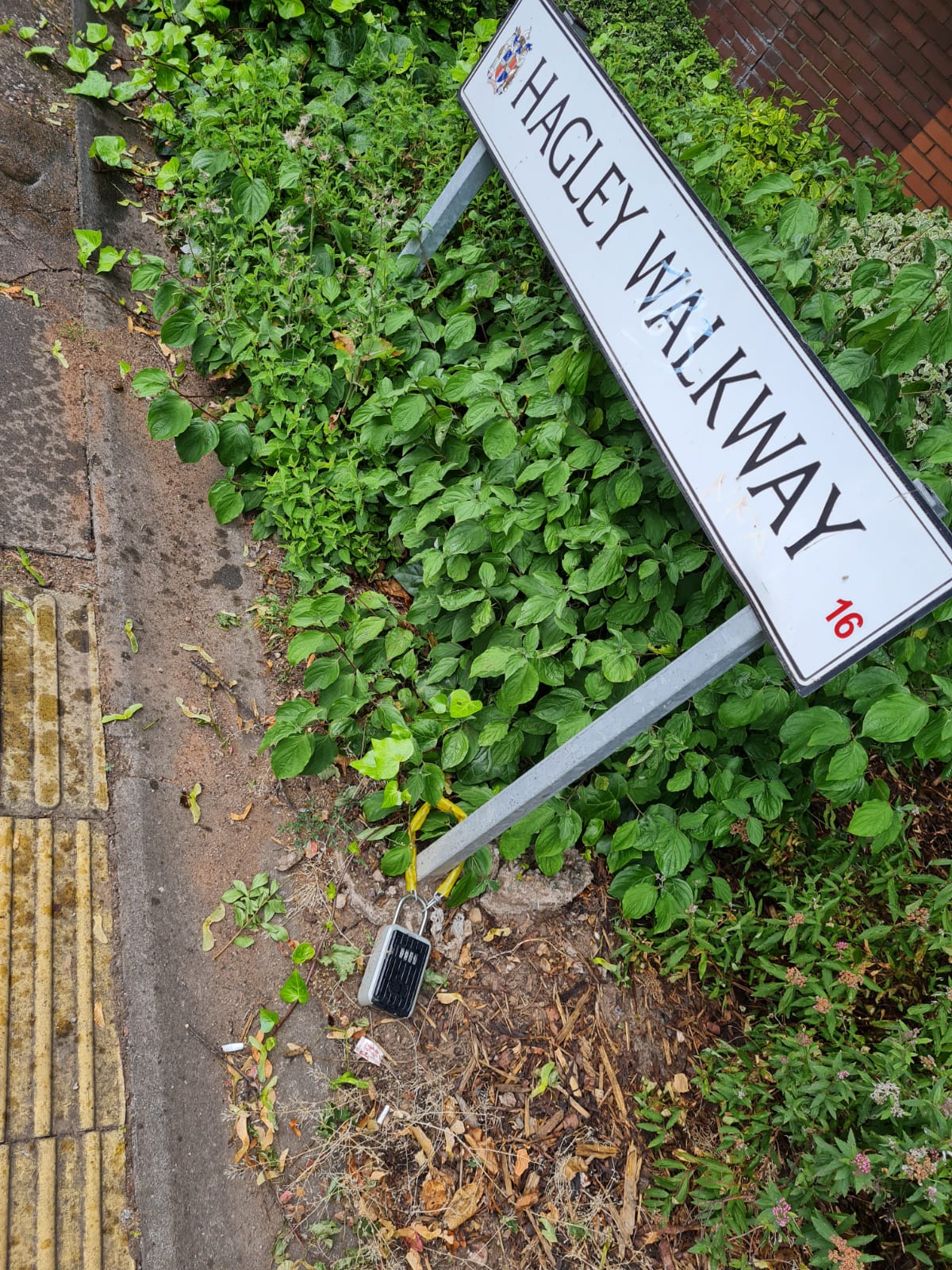
2. Your key box will be attached to a black bollard to the left of the entrance. Open this with the code given to you with your check-in link and take the fob inside.

3. Locate the main entrance and use the fob to enter in the main builder door.

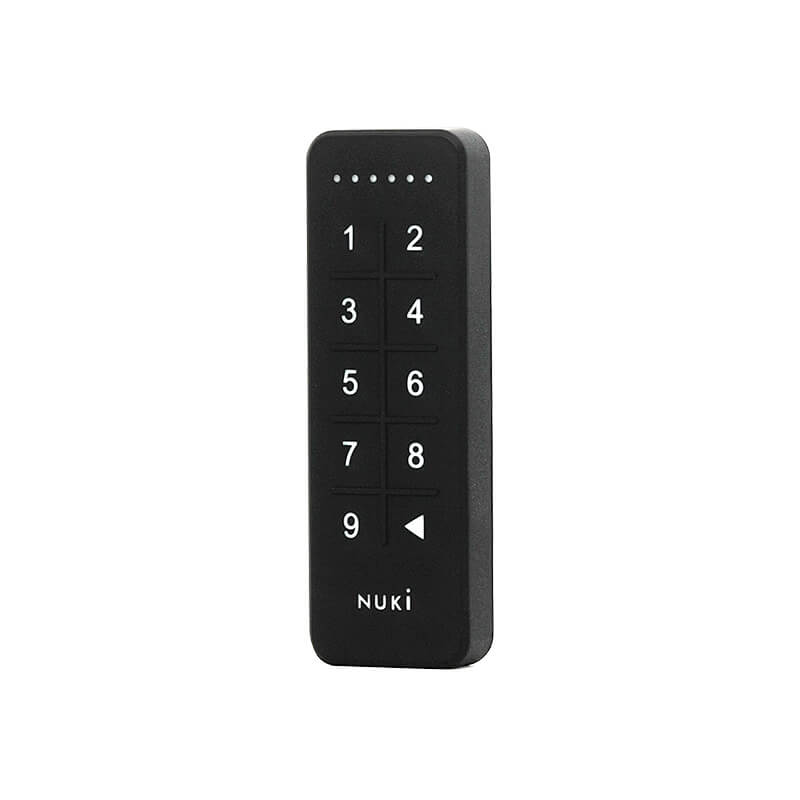
4. After you’ve entered the building proceed to the lift. Take the lift to floor 12. Your apartment number is 1211. Type the second code that was sent to you in the link to get in the apartment.

To lock the door from the outside you will press the backspace button on the keypad on the door

To lock the door from the inside will be as normal with the thumb turn, just rotate the round bit of the smart lock.

The communal bin is located outside the building, in the parking area.

Kindly note, there is no parking available at the property and the nearest car park space is Broadway Plaza. (Broadway Plaza, 220 Ladywood Middleway, Birmingham B16 8LP)

If there is anything we can do to help please contact us on 0121 318 1811 or wecare@tudors.group

We hope you enjoy your stay!

Wi-fi

Network Name

Three_OF86B5

Network Password

8eX274J2wW23tY5

Report an issue

To report a problem,
please use our system tool on this link.