A warm Welcome from your host:

Thank you for choosing Tudors eSuites!

We’d like to welcome you to your accommodation.
We’ve created this guide for you which contains essential information that you will be using during your stay.
Kindly note that our apartments are not suitable for parties, but we’ve gathered the best places in town for you to go out and have fun with your friends!
Check-in Guide

Protected: 15335K

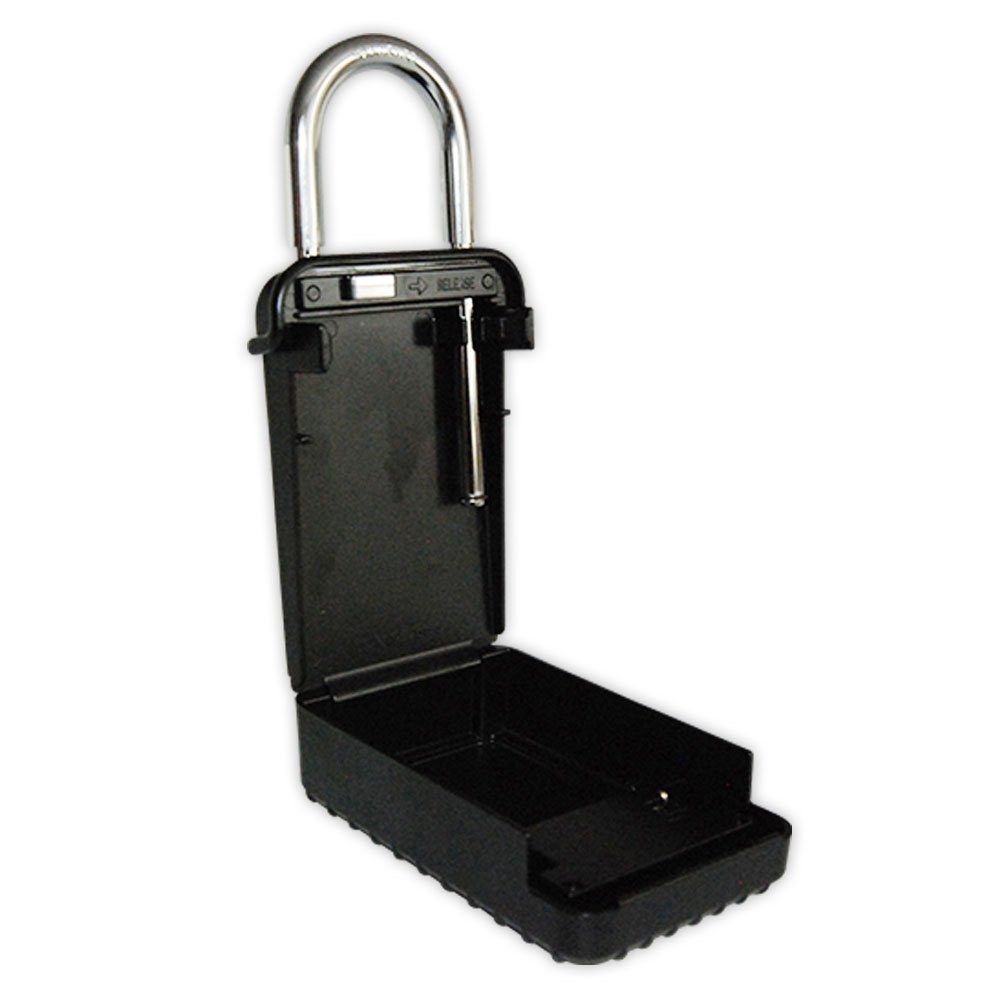
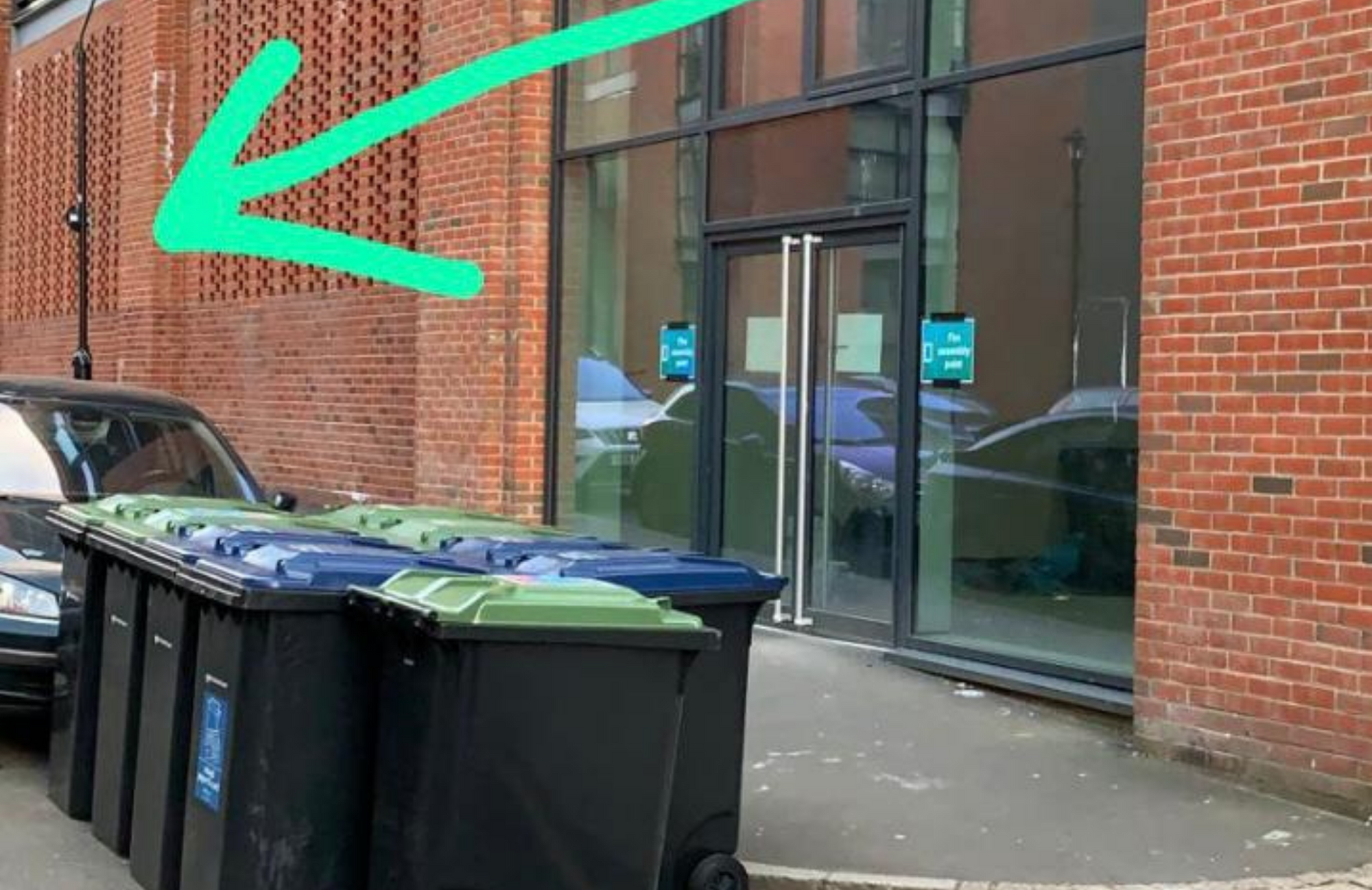
1. Please go to 814 Pope St, Birmingham B1 3BH. You'll see a bollard with padlocks on.

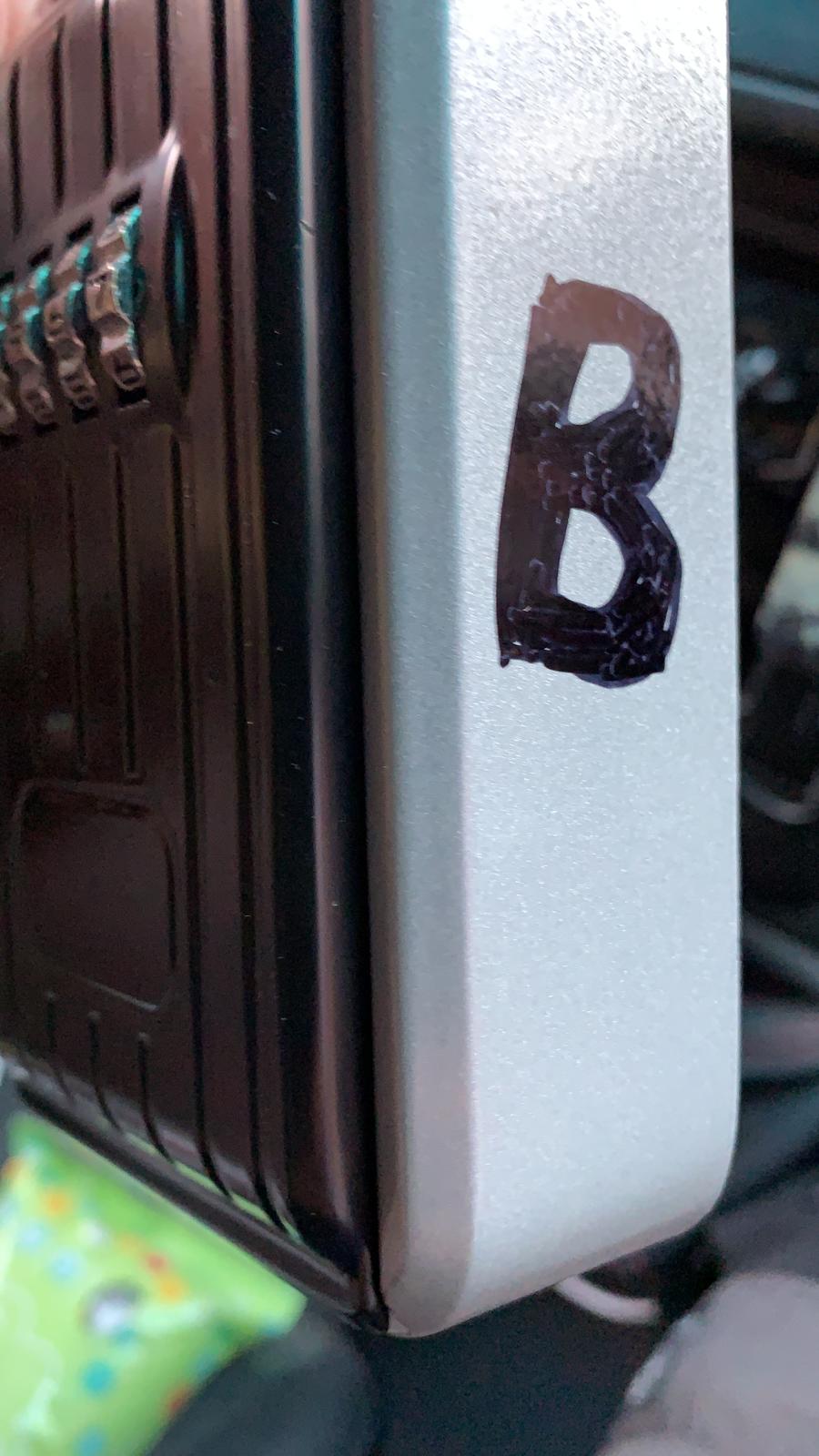
3. The padlock has the letter B on the side. Open this key box with the code given to you on your check-in date. Take the keys and go back to the main entrance indicated in the picture below.

4. If the padlock does not open, please pull the front side towards you as shown in the below picture.

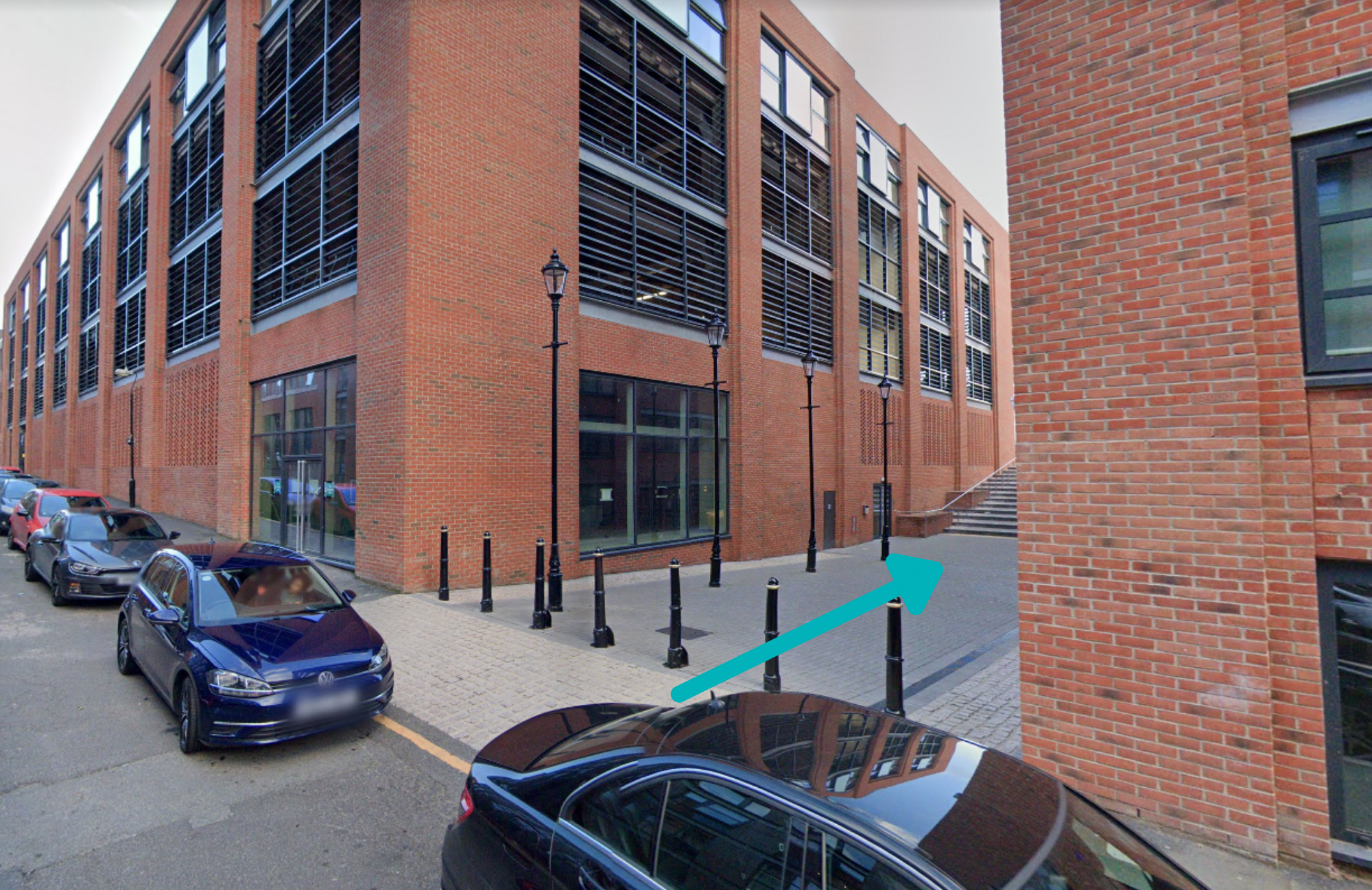
5. Turn right where the blue arrow is pointing. This will take you to the main door.

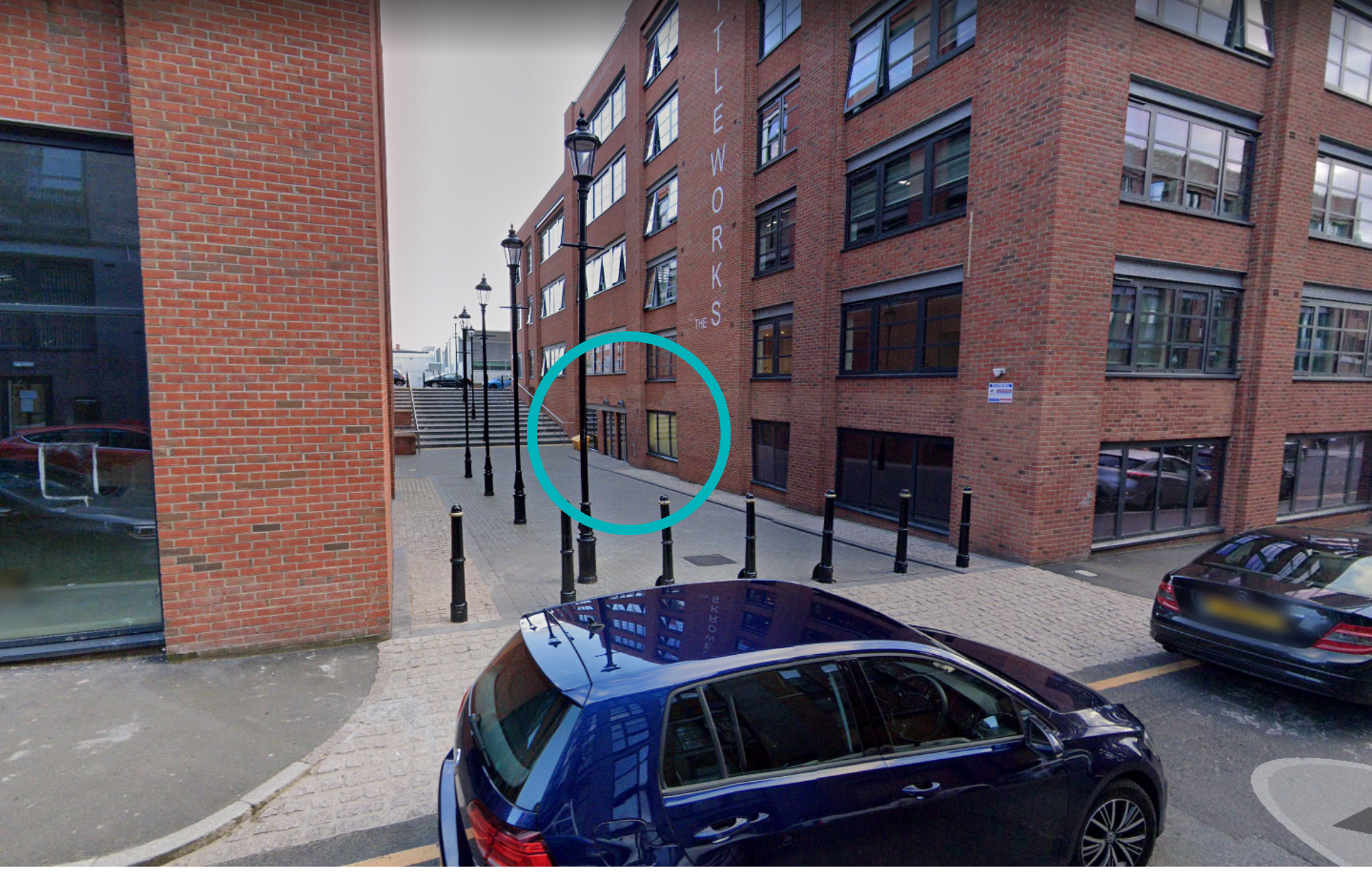
6. The doors you need to enter through are circled.

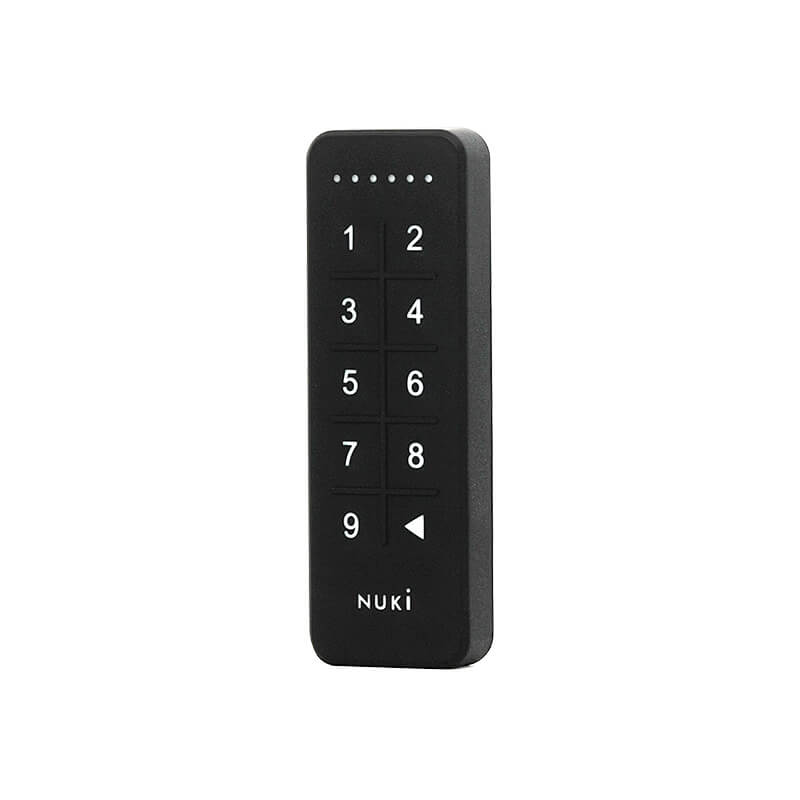
5. Type the code to open the door (The code is in the check-in instructions).

5. To lock from outside the apartment- press the backspace button on the keypad on the door. To lock from inside the apartment - Rotate the round bit of the smart lock.

On-street parking (first come, first served basis)

Wi-fi

Network Name

Pure-44

Network Password

294182617

Report an issue

To report a problem,
please use our system tool on this link.